Webflow vs WordPress
Discover why high-growth businesses choose Webflow over WordPress for better performance, security, and total design freedom without plugin clutter.
Reading time:
4 minutes
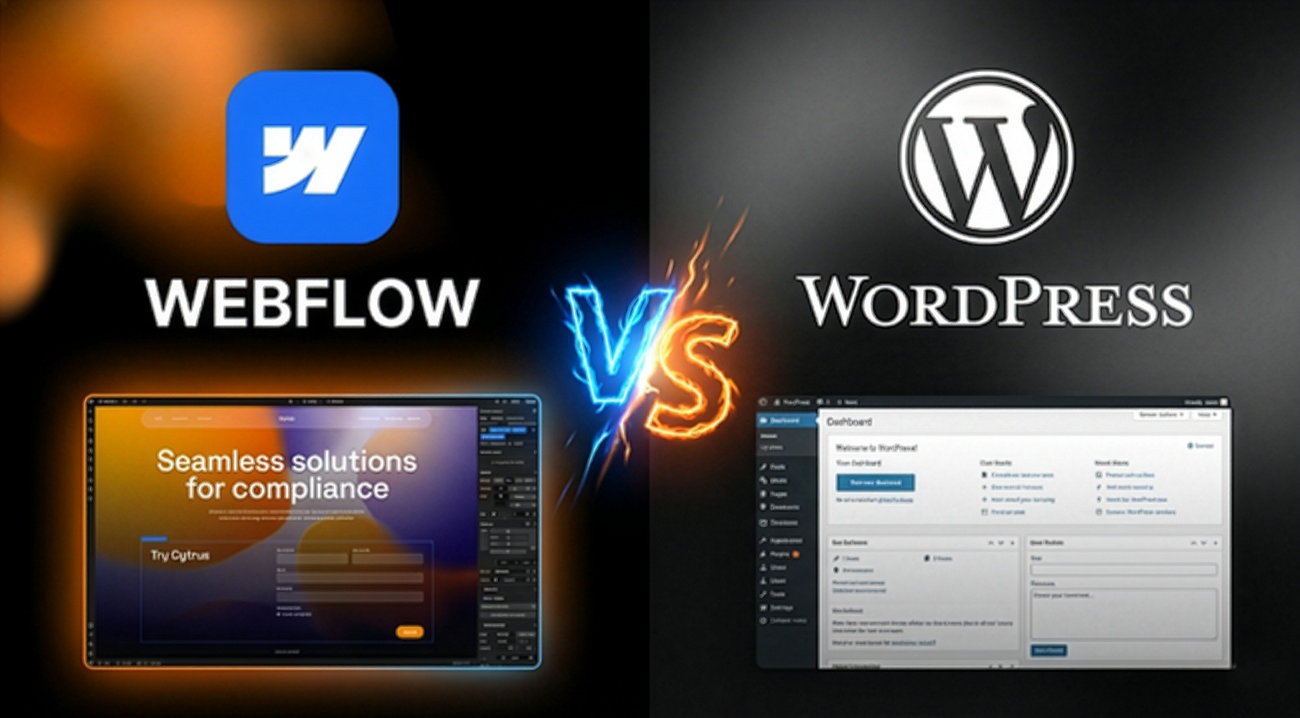
Choosing the right platform for your website is a critical business decision that impacts your loading speed, security, and, ultimately, your conversion rate. For years, WordPress was the default choice, but as the web evolves, its limitations—like heavy plugin reliance and constant maintenance—become a bottleneck for growth.
In this article, you will learn:
WordPress relies heavily on third-party plugins for basic functionality. While this seems convenient, it creates a "Frankenstein" site where one update can break the entire system.
Webflow generates clean, semantic HTML, CSS, and JS. It provides all essential tools—from SEO settings to complex animations—natively. This means no more plugin conflicts and a lightning-fast experience for your users.
WordPress often forces you into a "theme box." If you want to move an element, you usually need custom CSS or a clunky page builder.
Webflow is different. It’s a visual development tool that allows for pixel-perfect precision. As a UX/UI designer, I use this power to build custom interfaces that are tailored to your specific audience and business goals, not just another generic template.
One of the biggest fears for business owners is being "locked" to a developer for minor text changes.
While WordPress might be okay for simple blogs, Webflow is the clear winner for businesses that value speed, security, and a professional brand image. It eliminates the technical debt of traditional CMS platforms and provides a scalable foundation for your digital growth.
Investing in a Webflow site is an investment in your brand’s future and your customers' experience.
